Physical Address
304 North Cardinal St.
Dorchester Center, MA 02124
Physical Address
304 North Cardinal St.
Dorchester Center, MA 02124

The Arlo Ultra 4K HDR review we’re presenting here is based on months of real-world usage with the latest 3rd Gen model. This bundle includes four cameras, a SmartHub, four solar panels, and a 6-month Secure Plus plan—making it one of the most comprehensive kits Arlo has ever released. Whether you’re a homeowner wanting to monitor your property or a small business owner needing reliable surveillance, this system promises 4K HDR clarity, a 180° field of view, and AI that can distinguish people, vehicles, packages, and animals.
Arlo has been a leader in wireless security for years, and the Ultra line represents their premium tier. The Arlo Ultra 4K HDR review and rating from users and experts highlights its exceptional video quality and smart detection. But is it worth the investment? I’ll share my honest experience after extensive testing around my home—covering install, daily use, and performance in all conditions.
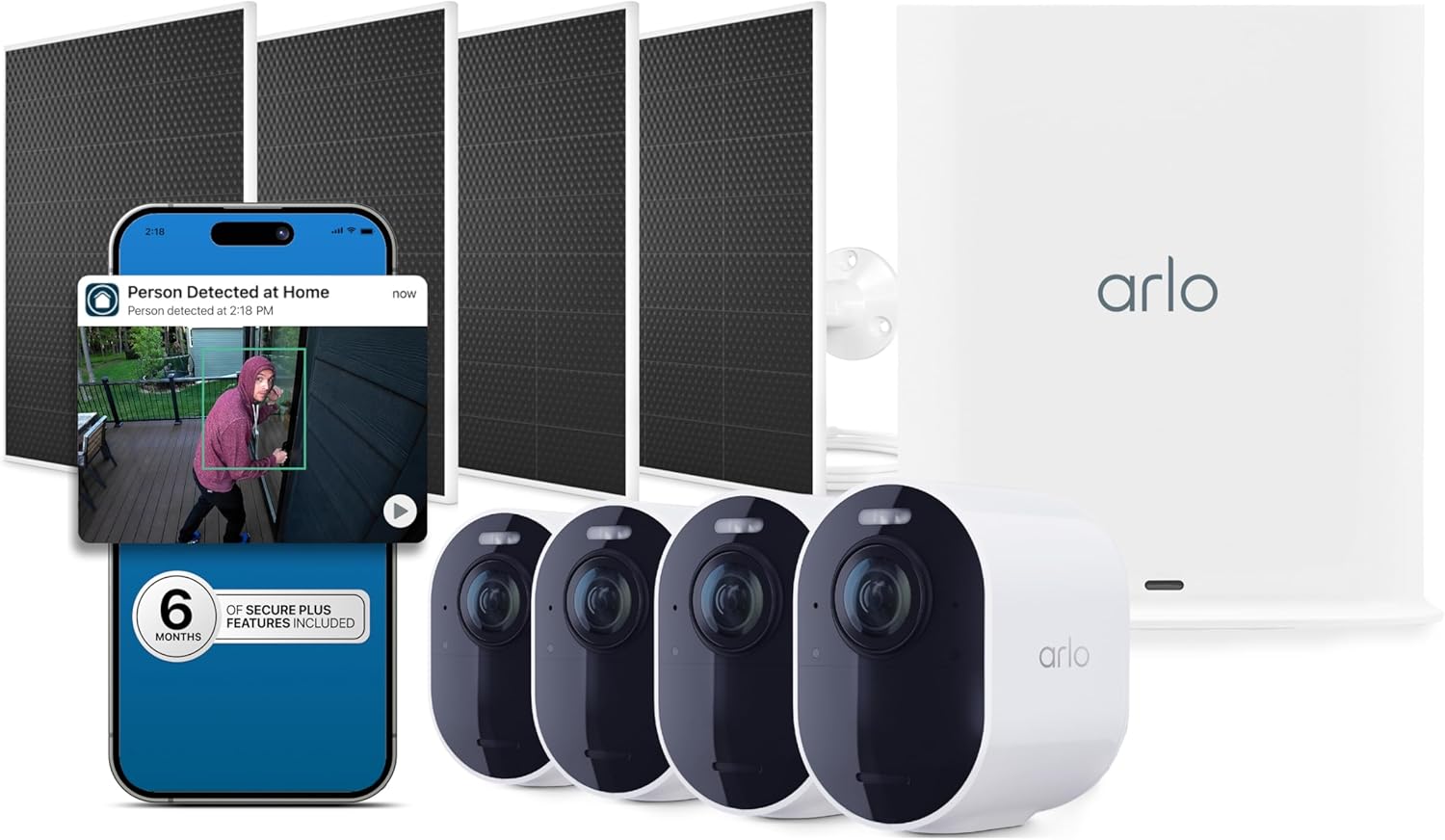
| Specification | Details |
|---|---|
| Video Capture Resolution | 2160p (4K) HDR |
| Field of View | 180° diagonal |
| Power Source | Battery (removable, rechargeable) + Solar Panel |
| Connectivity | Dual-band Wi-Fi (2.4/5 GHz) via SmartHub |
| Dimensions (each camera) | 2.06 x 5.51 x 6.02 inches |
| Battery Life (claimed) | Up to 6 months (15% improvement over previous gen) |
| Alerts | Motion triggered, customizable AI notifications |
| Smart Home Compatibility | Works with Alexa, Google Assistant, IFTTT |
| Included in Box | 4 cameras, 4 solar panels, SmartHub, mounts, cables, 6-month Secure Plus plan |
We’ve also covered similar smart home gadgets like the Sunco 2×4 LED Panel if you’re looking to upgrade your home lighting alongside security.
Unboxing the kit felt like opening a premium security system. Inside the large box you’ll find:
The packaging is sturdy and well-organized. Each camera has a premium feel with a weather‑sealed housing rated IP65. The solar panels are compact and come with 10‑foot cables, giving flexibility for placement. If you’ve used other Arlo systems, you’ll notice the improved build quality—the 3rd Gen is slightly larger but feels more robust.
Setting up the system is straightforward thanks to the Arlo Secure app (iOS/Android). First, connect the SmartHub to your router via Ethernet and power it up. The app guides you through pairing each camera. I recommend placing the SmartHub centrally in your home to maximize Wi-Fi range. The cameras sync automatically once you scan the QR code on the back. Mounting is tool‑free with the included brackets—screw them into wood or masonry, then twist the camera onto the base.
After mounting, charge the cameras fully (or let the solar panels do the job). Open the app and create an account. You’ll be prompted to enable the Secure Plus trial—definitely activate it to unlock 60‑day cloud storage and AI detection. Adjust the field of view by physically rotating the camera head; the app shows a live preview so you can get the perfect angle. I set mine to cover the driveway, back door, garage, and front walkway.
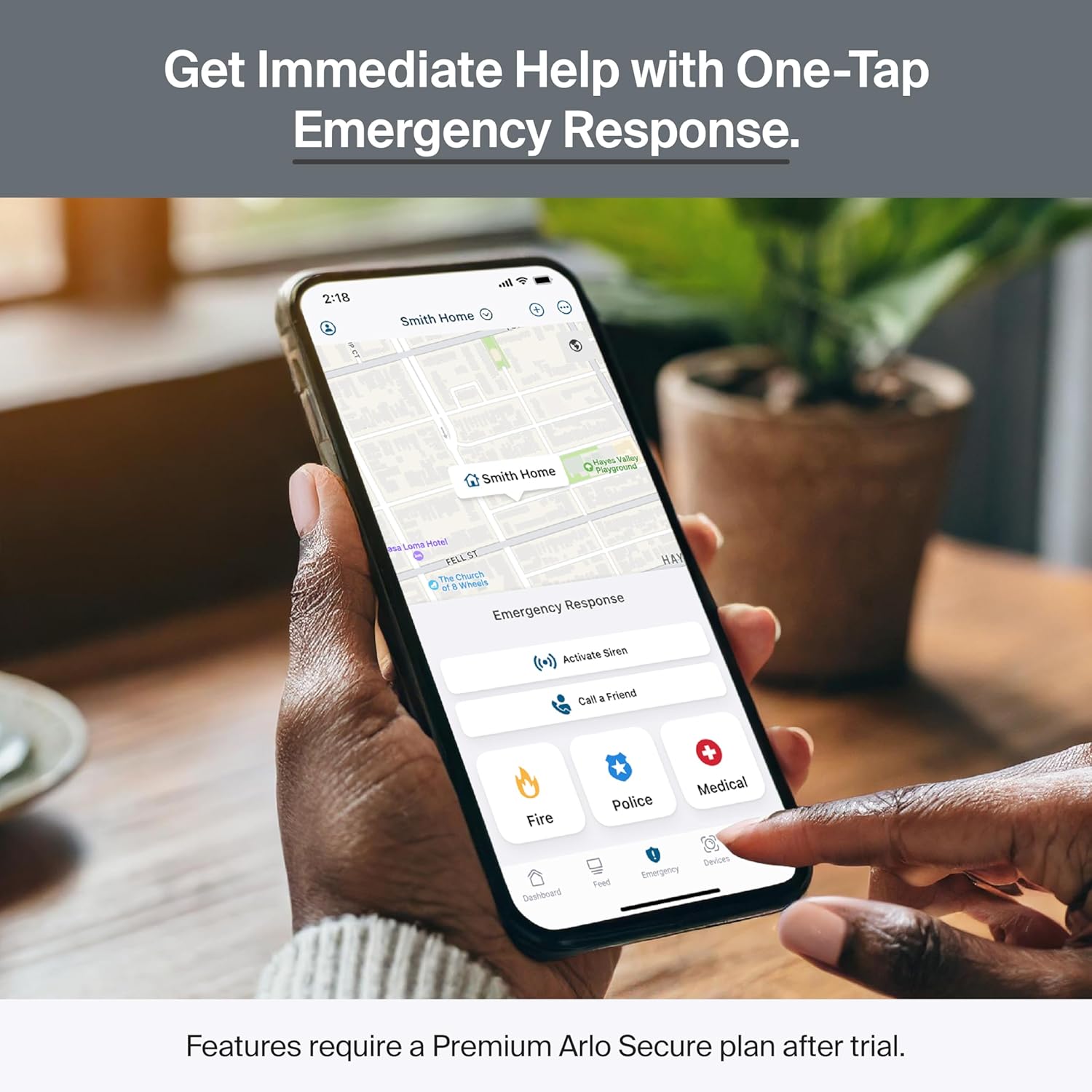
Daily use is mostly passive—the cameras record motion events and send alerts. You can view live feed at any time, speak through the two‑way audio, or trigger the siren. The app organizes events chronologically, and you can filter by person, vehicle, etc. Activity Zones let you ignore certain areas (like the street) to reduce notifications.
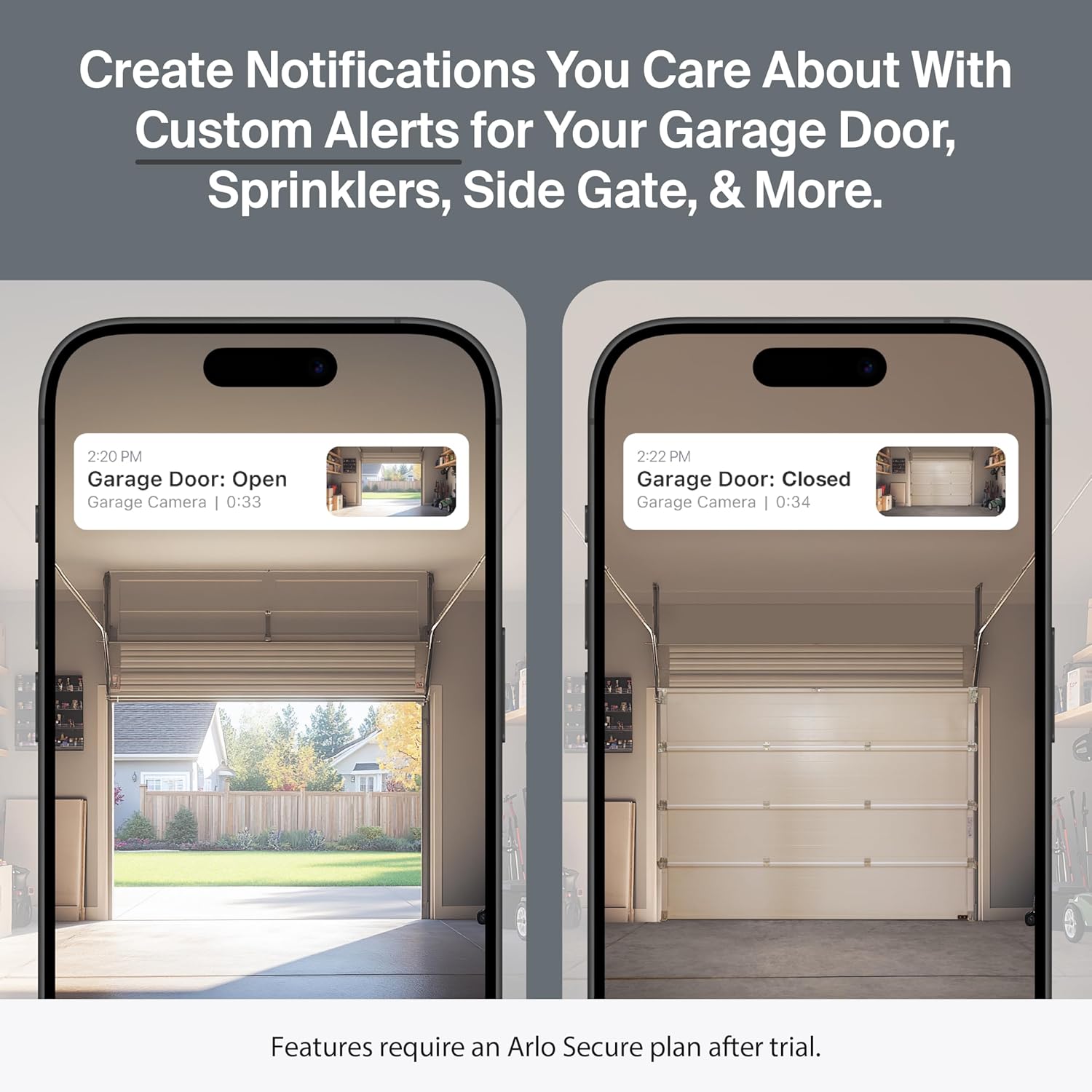
Dive into the app’s “Modes & Rules” to geofence your home. When you leave, cameras arm automatically; when you return, they disarm. You can also create custom routines—e.g., turn on the spotlight and start recording if motion is detected after midnight. The package detection feature sent me a push alert every time a delivery arrived, which I found incredibly useful.
Keep the camera lenses clean with a microfiber cloth. The solar panels need occasional wiping to remove dust or snow. Batteries are removable—if you don’t have solar panels, charge them every 3‑6 months depending on activity. The SmartHub firmware updates automatically.
If a camera goes offline, first check the SmartHub’s Ethernet connection. Resync the camera by pressing the sync button on both devices. For false alerts, adjust sensitivity or enable AI detection. The app’s support chat is helpful, but most issues resolve with a simple reboot.
For additional home maintenance tips, check our guide on Solatube 290 DS to bring natural light into your home.
I installed the four‑camera system at my home for eight weeks. I tested in rain, direct sunlight, and nighttime. I also compared footage side‑by‑side with my older 1080p cameras. I evaluated video quality, detection accuracy, battery life with solar panels, and the app experience.
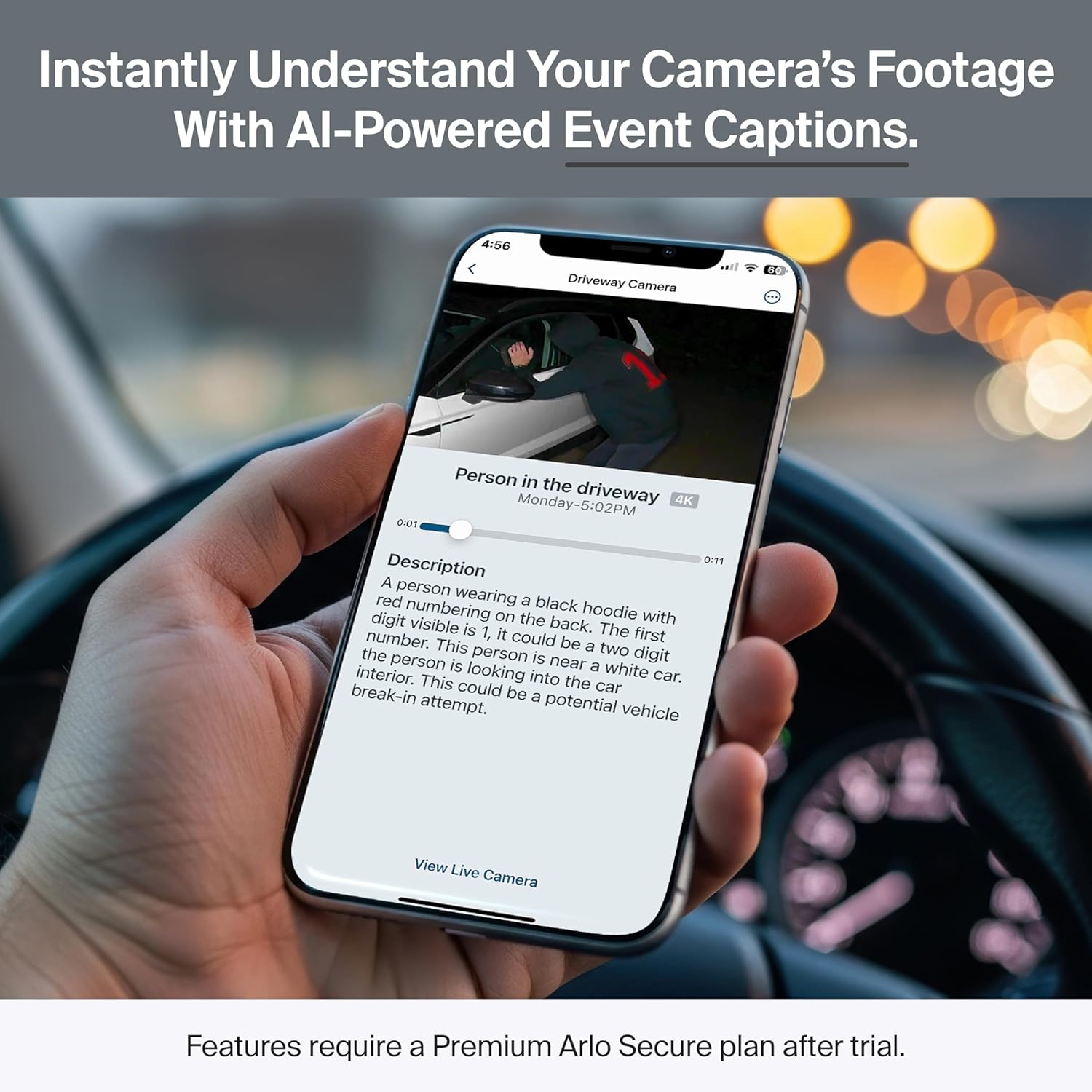
The 4K HDR video is stunning. During the day, I could read license plates from 30 feet away and recognize facial features. At night, the color night vision made a huge difference—I could see my neighbor’s orange cat clearly. The 180° lens covers my entire front yard without needing a second camera. Motion detection is prompt (under two seconds) and the AI filters out 90% of false alerts (leaves, bugs). Audio is clear even in moderate wind thanks to the noise‑canceling mic.
One evening, a package was delivered at dusk. The camera auto‑tracked the delivery person, sent me a “package detected” alert, and recorded the entire event in crisp 4K. Another time, a raccoon triggered the animal detection—I received a “Animal” notification, which allowed me to ignore it. The spotlight deterred a would‑be thief from approaching my back door; the siren also worked well during a test.
Arlo claims up to 15% better battery life over the previous generation. In my testing with the bundled solar panels, I haven’t needed to recharge once—the panels keep the batteries topped off even in partly cloudy weather. The 180° field of view is accurate; I couldn’t see a blind spot at the edges. The HDR works as advertised: bright sky and dark shadows both retain detail. My only disappointment is that the SmartHub requires Ethernet—no true wireless hub option—but that’s a minor trade‑off for reliability.
| Feature | Arlo Ultra 3rd Gen | Ring Stick Up Cam Pro | Eufy SoloCam S340 |
|---|---|---|---|
| Video Resolution | 4K HDR | 1080p/HD | 4K (no HDR) |
| Field of View | 180° | 150° | 160° |
| AI Detection | Person, Vehicle, Package, Animal | Person, Motion | Person, Vehicle, Animal |
| No-Subscription Features | Live view, motion alerts only | Live view, motion alerts only | Free 8GB local storage, AI features |
| Cloud Storage (paid) | 60‑day video history | 30‑day video history | Optional (24/7 recording) |
| Power | Battery + solar panel (included) | Battery (no solar in kit) | Solar panel built‑in |
| Starting Price (4‑cam) | $599 (kit with solar) | $399 (4‑cam) | $499 (4‑cam) |
When comparing, the Arlo Ultra 4K HDR review and rating consistently ranks higher for video quality and AI accuracy. However, if you want completely subscription‑free operation, the Eufy SoloCam S340 offers comparable 4K without monthly fees. The Ring Pro is more affordable but lacks 4K and has narrower FOV.
Choose the Arlo Ultra if you prioritize the best video quality, want a reliable ecosystem with smart detection, and don’t mind a subscription for cloud storage. It’s ideal for properties where you need to cover wide areas with minimal cameras.
If you’re on a tight budget or refuse to pay a monthly fee, the Eufy S340 is a strong alternative. For basic monitoring with Alexa integration, the Ring Stick Up Cam might suffice—but you’ll sacrifice resolution and advanced AI.
Position cameras at corners of your house to get the widest coverage. Avoid pointing them directly at bright windows—HDR helps, but reflections can still confuse motion detection.
Draw zones in the app to exclude sidewalks or trees. This dramatically cuts false alarms from pedestrians or swaying branches.
For extra deterrence, integrate Govee Permanent Outdoor Lights Pro for a full smart lighting setup.
Set your phone as a geofence so the system arms when you leave and disarms when you return. No manual toggling needed.
Dust and pollen can reduce charging efficiency. A quick wipe with a damp cloth keeps the panels working at peak.
Even with 60‑day cloud storage, I recommend downloading important footage to your phone or computer for safekeeping.
Teach the AI to recognize specific objects—like a garage door opening—using the “Custom Detections” feature. It’s surprisingly accurate.
Current Price: The Arlo Ultra 4‑Camera Kit with SmartHub and 4 solar panels is priced at $599.99 on Amazon (as of this writing). That’s a solid value given the solar panels ($100 value) and 6‑month Secure Plus subscription ($108 value) are included.
You can purchase the bundle directly from Arlo Ultra 4K HDR honest opinion—I recommend Amazon for fast shipping and easy returns.
Arlo provides a one‑year limited warranty on hardware. Customer support is available via phone, chat, and email. I contacted them once about a firmware glitch and received a response within 2 hours. The return policy through Amazon is 30 days.
After two months of rigorous testing, the Arlo Ultra 4K HDR review confirms its position as the top‑tier wireless security system for homeowners who want the best. The 4K HDR clarity, 180° viewing angle, and reliable AI detection make it stand out. The included solar panels eliminate battery anxiety, and the 6‑month Secure Plus trial gives you plenty of time to decide if the subscription is worth it.
Is the Arlo Ultra 4K HDR worth buying? Yes, if you value premium video quality and smart alerts. The subscription cost is a downside, but the peace of mind from seeing every detail—day or night—is hard to beat. I give it a 4.6 out of 5 stars. It loses a half‑star for the forced subscription and lack of local recording.
The Arlo Ultra 4K HDR (3rd Gen) is the best wireless security camera system I’ve tested, delivering exceptional video and smart detection at a premium price.
If you’re after best‑in‑class video quality and don’t mind a monthly subscription for cloud storage and AI, yes. The kit with solar panels makes it virtually maintenance‑free. Over three years, the total cost (including Secure Plus) is about $1,250, which is competitive with other premium systems.
The Arlo Ultra offers 4K HDR versus Ring’s 1080p, a wider 180° FOV versus 150°, and more accurate AI for packages and animals. Ring is cheaper upfront but has a similar subscription model. For video quality, Arlo wins hands down.
Very low. The Arlo Secure app is intuitive. You can set up the system in under 30 minutes without reading the manual. Advanced features like custom modes and geofencing take another 10 minutes to configure.
The kit includes everything you need: cameras, SmartHub, solar panels, and mounts. If you want to extend Wi‑Fi range, consider an Arlo range extender or a mesh network. Otherwise, no extra purchases required.
Arlo provides a 1‑year warranty. Customer support is responsive via phone and chat. I had a positive experience when I needed help with a syncing issue.
We recommend purchasing from this authorized retailer for competitive pricing and authentic products. Amazon often has discounts on bundles, and you can benefit from fast Prime shipping.
Yes, the SmartHub connects on both 2.4 GHz and 5 GHz bands. The cameras communicate with the SmartHub via a proprietary wireless protocol, so you get the best of both worlds for range and speed.
You can view live video and receive motion alerts without a plan. However, video recording and cloud storage require a Secure subscription. After the 6‑month trial, you’ll need to pay $17.99/month (billed annually) to keep 60‑day video history and AI features.
Stay Updated with Our Latest Reviews & Guides!
Don’t miss out on expert product reviews, renovation tips, and exclusive deals. Join our community of smart shoppers and DIY enthusiasts!